Retakes and false starts
Said a line twice? Pixel+ reads the whole transcript, keeps the best take of every sentence and drops the abandoned ones.
Upload a talking video and Pixel+ cuts the dead air between sentences. Unlike a simple silence remover it also understands what you said, so retakes and false starts go too. Pick how tight the pacing should be and export an MP4.
Remove silenceRuns in the Pixel+ web app. 1 token per video, up to 15 minutes.
Last updated:
QUICK ANSWER
Open Pixel+ AI Auto Cut, upload your video and press Cut my video. Pixel+ transcribes the speech with word timings, finds the pauses between sentences and removes them, leaving a short natural gap. Choose Natural, Tight or Fast pacing to decide how much pause stays, preview the cut and export an MP4. Each cut gets a few milliseconds of audio fade so no clicks are heard.
WHAT GETS CUT
Said a line twice? Pixel+ reads the whole transcript, keeps the best take of every sentence and drops the abandoned ones.
Ums, uhs, “you know” and other fillers are marked and removed. Tap one to bring it back.
Long pauses between sentences are shortened. Choose Natural, Tight or Fast pacing to decide how much breathing room stays.
Coughs, laughs and side comments that are not part of the take are recognised and left out of the cut.
HOW IT WORKS
Any MP4, MOV or WebM up to 15 minutes with someone speaking in it.
Natural leaves a relaxed pause between sentences, Tight a short one, Fast almost none. You can switch at any time without paying again.
Play the cut, bring back any word you want and save the MP4.
WHY NOT CUT IT BY HAND?
You listen to every second, find each retake and pause, and make the cuts yourself. A 10 minute take easily costs an hour.
Cut wherever the audio is quiet. Fast, but every retake and false start stays in because there is sound in it.
Understands what you said: removes repeated takes, fillers and pauses together, and lets you fix any decision by tapping a word.
PRIVATE BY DESIGN
Pixel+ only sends the sound of your video for analysis. Cutting, previewing and saving the MP4 all happen in your browser, so a 2 GB video does not have to be uploaded anywhere.
PRICING
An analysis costs 1 token, whatever the length up to 15 minutes. Editing words, changing the pacing and exporting are free, and analysing the same video again is not charged twice.
USE CASES
The first seconds decide whether people keep watching. Fast pacing removes every gap.
Thinking pauses while you click around come out; the explanation stays.
Tighten a long recording before you post it as a replay or cut it into clips.
Shorten long silences without making the conversation feel rushed.
Yes, and more. It removes pauses like a silence remover, but because it works from the transcript it also removes repeated takes and filler words that a volume-based tool keeps.
Every cut gets a very short audio fade, and Natural pacing leaves a small pause so the speech still breathes.
Yes. Tap the words around it to keep that part, or switch to Natural pacing.
It works best with clear speech. Loud music can hide pauses and make the transcript less accurate.
1 token per video up to 15 minutes. Changing the pacing or exporting again is free.
Only the audio is sent for analysis. The video itself is cut in your browser.
Upload a talking video, choose the pacing and export a tighter MP4.
Remove silence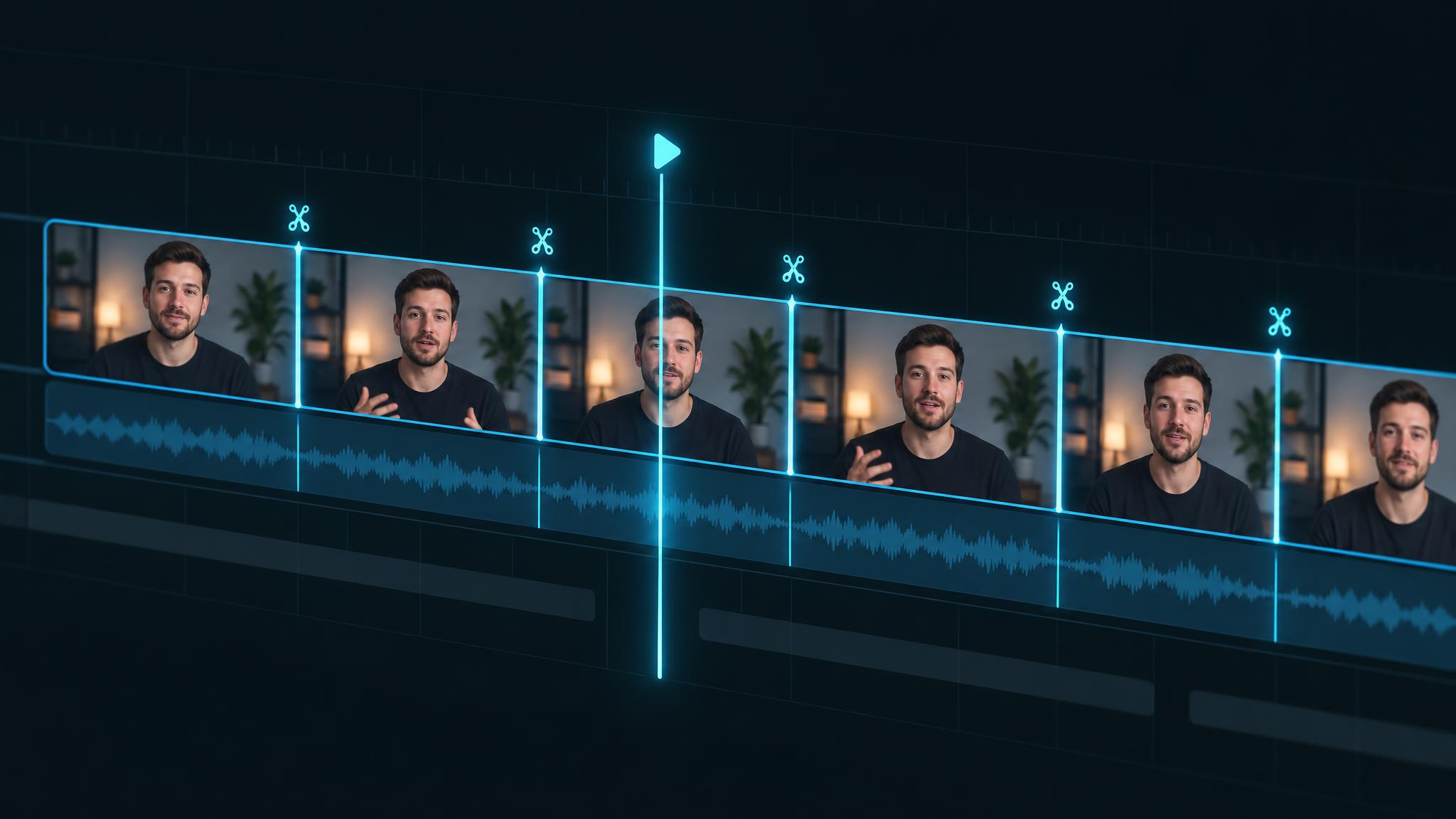 What Is a Jump Cut? Meaning, Examples and How to Do OneA jump cut skips time inside the same shot so the subject seems to jump. Here is where it came from, why YouTubers use it, when it looks bad and how to make jump cuts by hand or automatically.Read guide
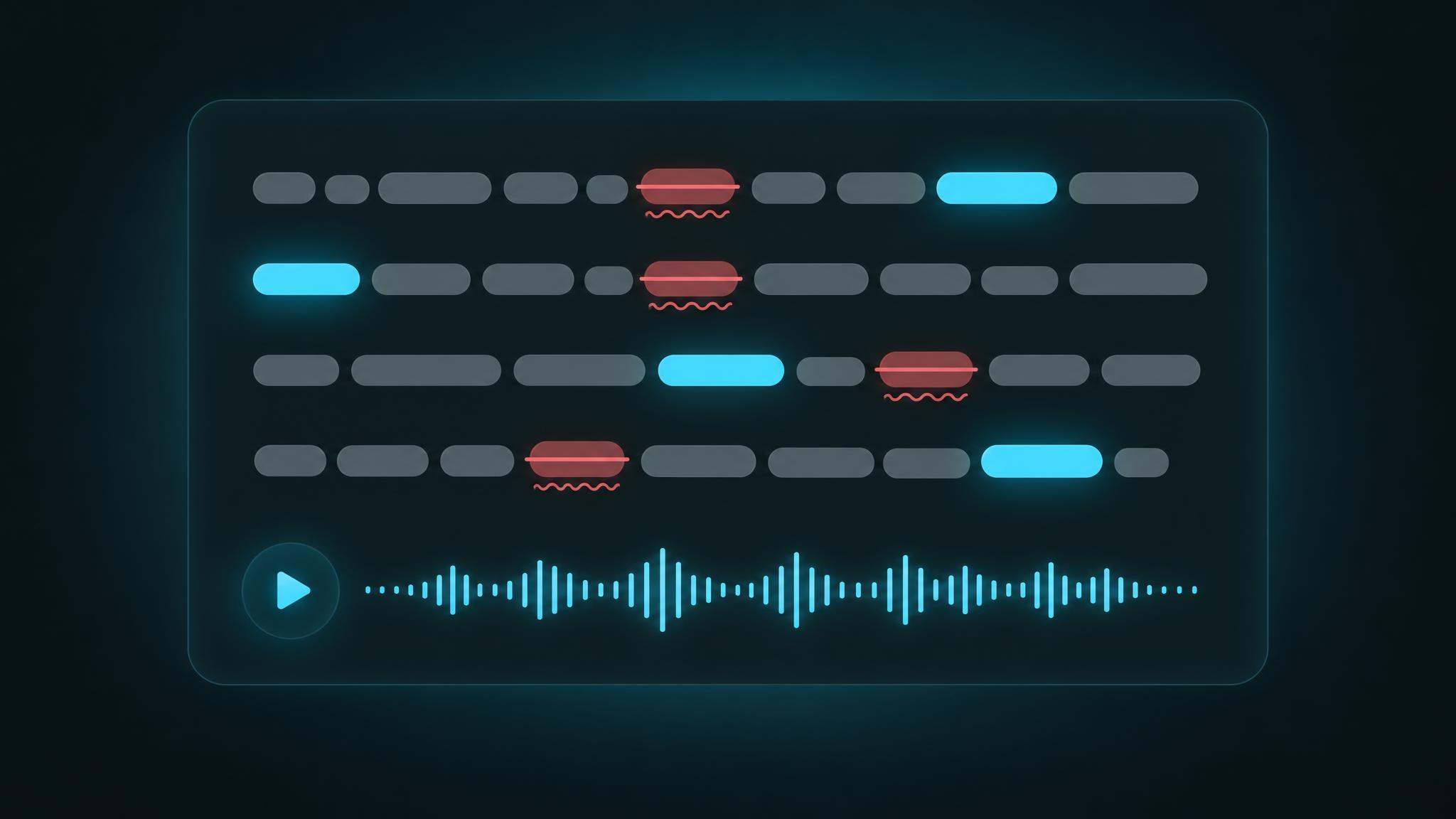 Filler Words: A List of Examples and How to Stop Using ThemA practical list of common English filler words with example sentences, why we use them, how to say fewer of them on camera and how to remove them from a recorded video automatically.Read guide
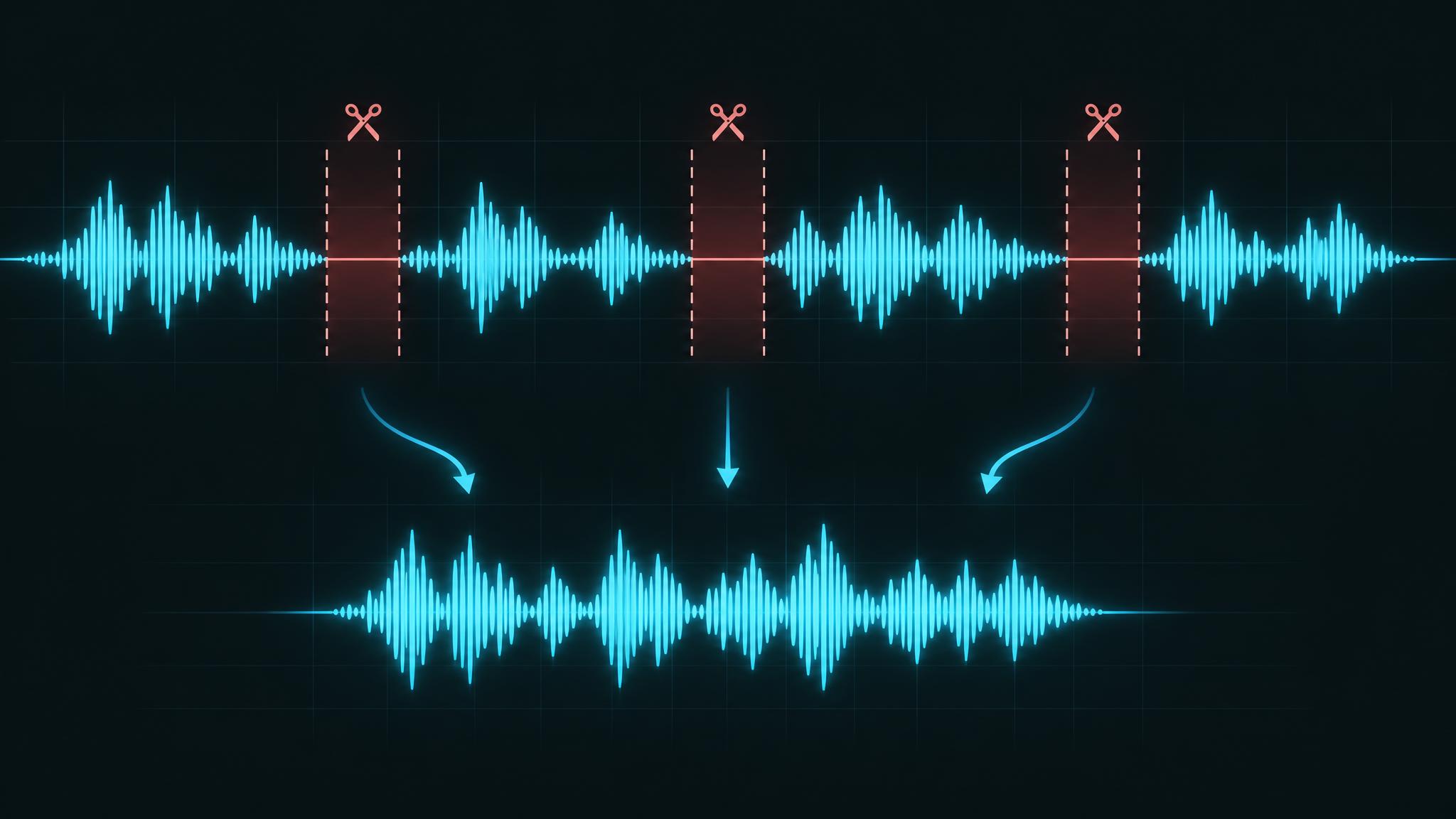 How to Remove Silence from Video AutomaticallyDead air makes viewers leave. Here is how to cut silence from a talking video by hand, with a volume-based silence remover, and automatically with AI that also drops retakes.Read guide
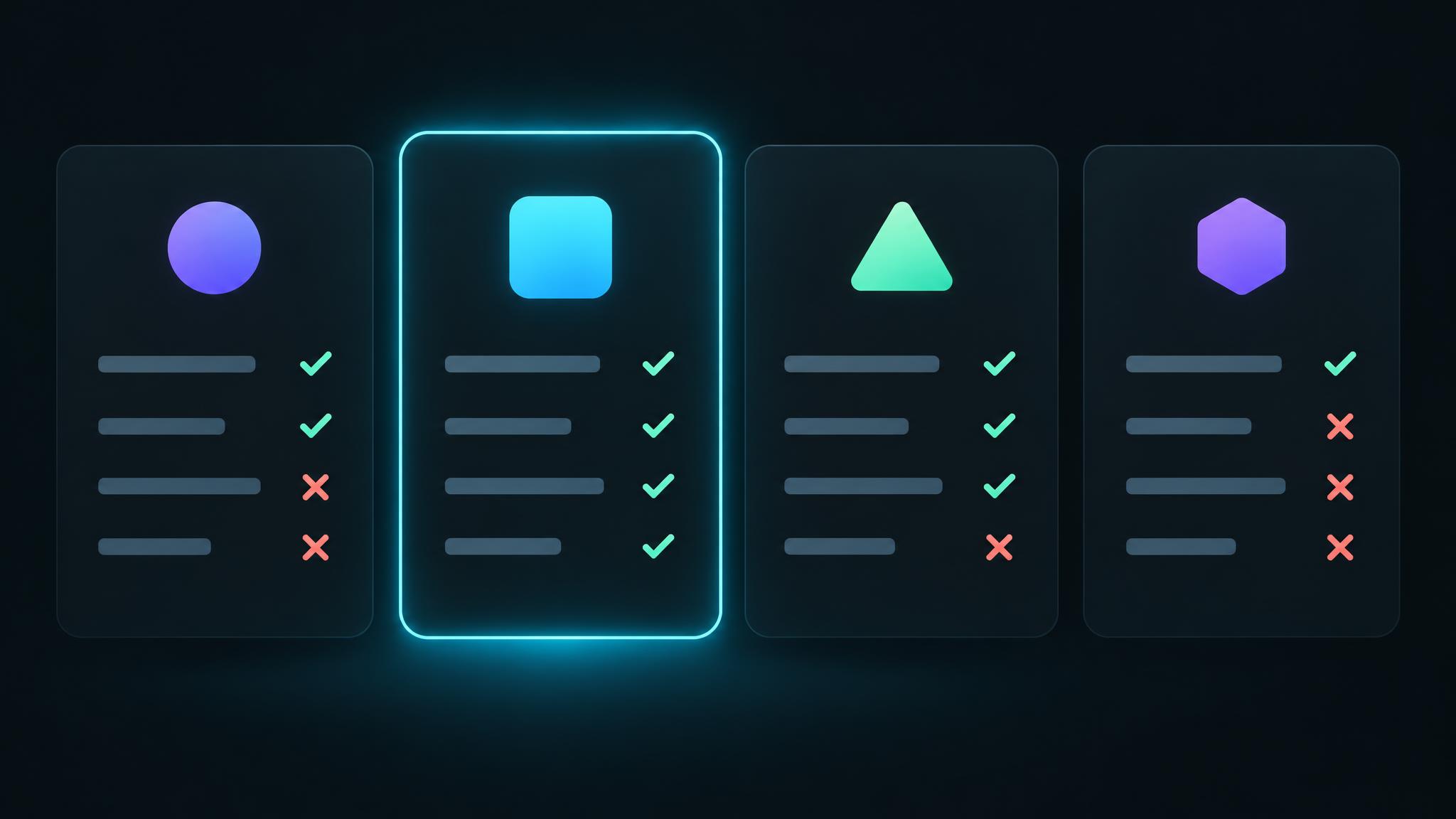 Best Descript Alternatives in 2026, Compared HonestlyAn honest comparison of Descript alternatives for cutting talking videos: Pixel+ AI Auto Cut, Gling, Recut and CapCut desktop, with Descript as the benchmark. Prices checked 24 Nov 2026.Read guide