Best Descript Alternatives in 2026, Compared Honestly
An honest comparison of Descript alternatives for cutting talking videos: Pixel+ AI Auto Cut, Gling, Recut and CapCut desktop, with Descript as the benchmark. Prices checked 24 Nov 2026.
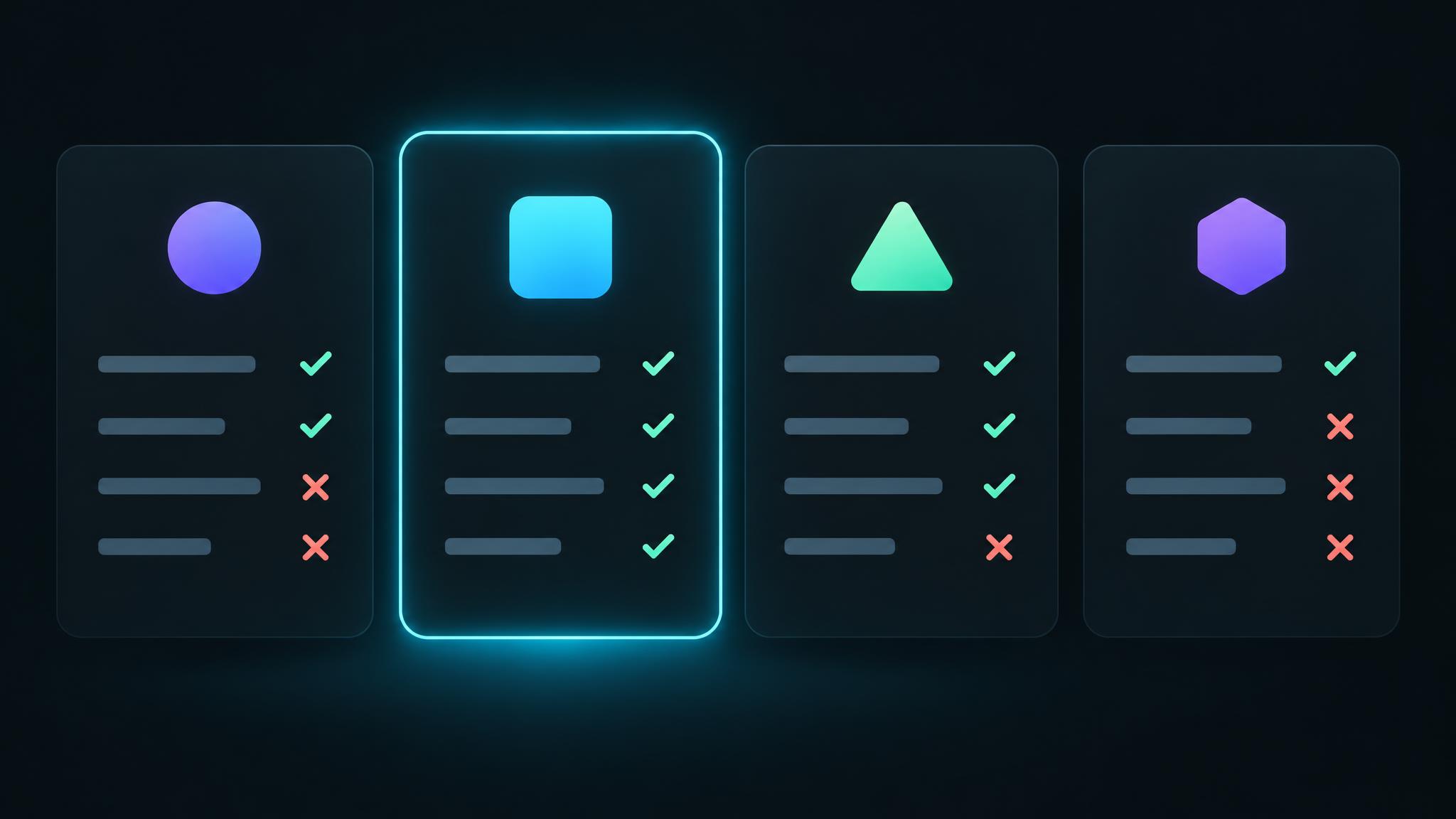
The best Descript alternative depends on what you use Descript for. To cut a raw talking video fast without a subscription, Pixel+ AI Auto Cut costs 1 token per video. For a YouTube workflow with Premiere export, Gling fits. For local, offline silence cutting, Recut. If you already edit in CapCut, its desktop app covers filler and pause removal.
What does Descript do, and why look for an alternative?
Descript is the benchmark for text-based video editing. You edit a video by editing its transcript, and it has dedicated tools for talking videos: filler word removal, Shorten Word Gaps for pauses and Remove Retakes for repeated takes. It runs as a desktop app and on the web.
People look elsewhere for a few common reasons:
- Price for occasional use. The Hobbyist plan is $24/mo, or $16/mo billed yearly, for 10 media hours a month.
- Free plan limits. 1 media hour a month and 720p export with a watermark.
- No mobile editing. Descript runs on desktop and web, not as a mobile editor.
- Cloud upload. Your original files are uploaded to Descript's cloud, with an upload limit of 1 GB on Free and 10 GB on Hobbyist.
- More tool than needed. If you only want the mistakes cut out, a full editor can be overkill.
Prices and plans below were checked on the vendors' pages on 24 Nov 2026 and can change.
Which Descript alternatives are worth trying?
1. Pixel+ AI Auto Cut
Pixel+ AI Auto Cut turns a raw talking video into a clean cut. It transcribes the speech word by word, keeps the best take of every sentence and removes retakes, false starts, filler words, long pauses, coughs and off-script moments. You review the result as a transcript and tap words to keep or remove them.
- Best for: creators who record in one go, mistakes included, and want a finished cut in minutes on a computer or phone.
- Price: 1 token per video up to 15 minutes, about $0.59 to $0.80 with web token packs. No subscription and no watermark. The token is refunded if the analysis fails or no speech is found.
- How it works: only the audio is uploaded; the video is cut and exported as an H.264 + AAC MP4 in your browser. Pacing can be Natural, Tight or Fast, with a short audio fade at every cut.
- Limits: up to 15 minutes and 2 GB per video (MP4, MOV, WebM). It is not a full editor: no captions, layers or multitrack timeline.
2. Gling
Gling is built for YouTubers. It removes filler words, silences and bad takes on all plans, and paid plans export XML to Premiere Pro, Final Cut and DaVinci Resolve so you can finish the edit there.
- Best for: YouTubers who finish in a professional editor and want a rough cut handed over.
- Price: free for 1 hour a month with a watermark. Plus is $20/mo, or $10/mo billed yearly, for 10 hours a month.
- Limits: footage is uploaded to Gling; XML export needs a paid plan.
3. Recut
Recut is a desktop app for Mac, Windows and Linux that runs locally. It removes silence based on loudness, which works in any language, and highlights filler words and retakes for you to cut. Transcription covers 25 languages.
- Best for: people who want local processing and a one-time purchase.
- Price: 3 free edits, then $19/mo or $149 one-time.
- Limits: silence removal is loudness-based; fillers and retakes are highlighted for you to review and cut, not cut for you.
4. CapCut (desktop)
CapCut's desktop app can remove filler words, pauses and repeated words, and supports transcript-based editing inside a full editor with captions, effects and a timeline.
- Best for: people who already edit in CapCut and want cleanup and finishing in one app.
- Price: which of these features need CapCut Pro, and what Pro costs, varies by region and device. Check in the app before you rely on it.
- Limits: feature availability is not the same everywhere, so results from a tutorial may not match your account.
5. Descript (the benchmark)
- Best for: podcasters and teams who want a complete text-based editor, from cleanup to final export.
- Price: limited Free plan (1 media hour/mo, 720p export with watermark); Hobbyist $24/mo or $16/mo billed yearly, 10 media hours/mo.
- Limits: desktop and web only, originals uploaded to its cloud, upload limit 1 GB Free and 10 GB Hobbyist.
How do they compare at a glance?
- Removes retakes automatically: Descript (Remove Retakes), Gling (bad takes), Pixel+ (keeps best take), CapCut (repeated words). Recut highlights them for you to cut.
- No subscription option: Pixel+ (per-video tokens), Recut ($149 one-time).
- Video stays on your device: Recut (runs locally), Pixel+ (only audio uploaded).
- Works on a phone: Pixel+ in a mobile browser. Descript has no mobile editing.
- Export to a pro editor: Gling (XML on paid plans).
- Full editor with captions and timeline: Descript, CapCut.
Is there a free Descript alternative?
Not fully free, if you want watermark-free exports. Descript and Gling both have free tiers with a watermark and an hour-per-month cap. Recut gives 3 free edits. CapCut's free features vary by region and device.
Pixel+ is not free either, but it is the lowest commitment: you pay 1 token for a video you actually cut, with no watermark and no monthly plan. If you only clean up a few videos a month, that usually costs less than any subscription.
Which one should you choose?
- You record short videos and want them done fast, on any device: Pixel+ AI Auto Cut.
- You publish long YouTube videos and finish in Premiere, Final Cut or Resolve: Gling.
- You want everything local and a one-time price: Recut.
- You already edit everything in CapCut: CapCut desktop.
- You want one complete text-based editor for podcasts and team work: stay with Descript.
For a side-by-side page focused on Pixel+ and Descript, see Pixel+ as a Descript alternative.
FAQ
What is the best Descript alternative for removing filler words?
Pixel+, Gling and CapCut desktop all remove filler words. Recut highlights them for you to cut. Pixel+ also keeps the best take of each sentence; see the filler word remover.
Which Descript alternative works without uploading my video?
Recut runs locally. Pixel+ uploads only the audio and cuts the video in your browser.
Can Pixel+ replace Descript completely?
No. Pixel+ AI Auto Cut cuts raw talking videos; it has no captions, layers or multitrack timeline. Many people use it for the cleanup and finish in another editor.
Are these prices current?
They were checked on vendor pages on 24 Nov 2026. Plans change, so confirm before you buy.
Do it automatically
Let Pixel+ cut it for you
See how Pixel+ AI Auto Cut compares with Descript on price, privacy and limits, then cut your own talking video for 1 token.
Descript alternative: Open the tool