How to Convert HEIC to PNG for Free in Your Browser
iPhone photos saved as HEIC won't open on Windows or upload to a website? Convert HEIC to PNG for free in your browser with the Pixel+ image converter: no app, no account, nothing uploaded. Includes why PNG files come out bigger and when JPG is the better pick.
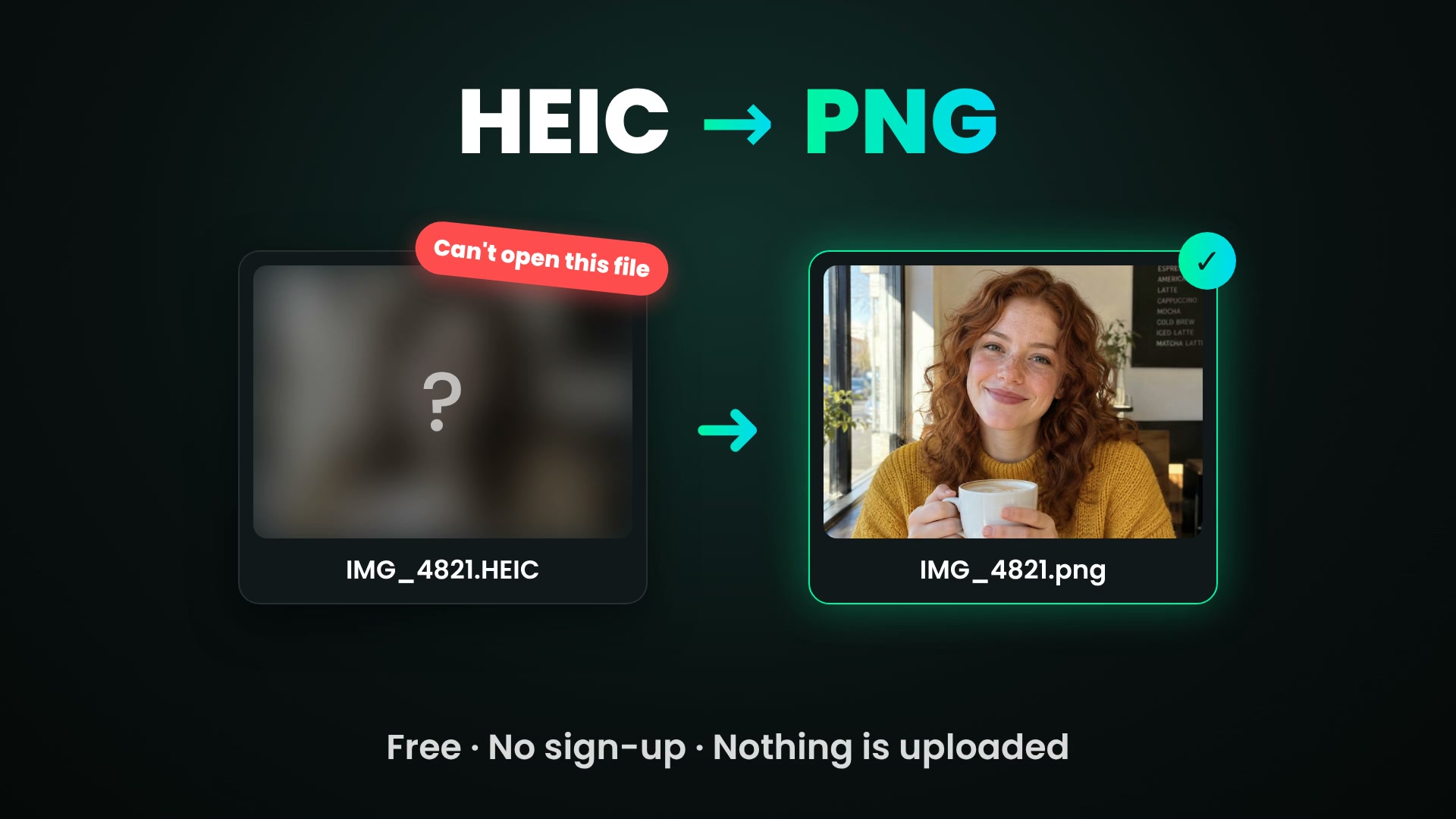
You copy photos off your iPhone and every file ends in .heic. Windows won't preview them, and the website you need them on only accepts PNG or JPG. To convert HEIC to PNG, open the free Pixel+ image converter in your browser, add the photos, pick PNG as the output and click "Convert images". There is no app to install and no account, and the photos never leave your device.
Prefer YouTube? Watch the same walkthrough on our channel: How to Convert HEIC to PNG for Free.
Why do iPhone photos save as HEIC?
iPhones save photos as HEIC by default because the files take much less space than JPG at similar quality. On the phone and on a Mac that works fine. The trouble starts when the photos leave Apple devices: some Windows setups, older photo editors, office apps and many upload forms still don't open HEIC. Converting the files to a common format like PNG or JPG is the quickest fix.
How do you convert HEIC to PNG in your browser?
- Open the Pixel+ image converter in any browser. In the web app it sits under Free tools, then Image converter.
- Click "Choose images" and add up to 10 photos, each up to 25 MB. HEIC, HEIF, JPG, PNG and WebP are accepted.
- Switch the output format from JPG (the default) to PNG.
- Click "Convert images". The conversion runs on your device.
- Download each PNG on its own, or click "Download all".
Is it safe to convert HEIC photos online?
With this converter, nothing is sent anywhere. The conversion runs inside your browser, so your photos stay on your device and no copy reaches Pixel+ servers. You don't need tokens, a subscription or an account, and no watermark is added. That matters for personal photos from your camera roll, which you may not want to hand to an unknown upload site.
Why is the PNG file bigger than the HEIC original?
PNG is a lossless format: it keeps every pixel exactly as decoded, so there is no quality setting in the converter when PNG is selected. The price is size. HEIC is built to compress photos tightly, so the same photo saved as PNG can be several times larger. The converter shows each file's new size next to the result. In our test, the PNG files kept the original dimensions of each photo.
Should you convert HEIC to JPG instead?
Pick JPG when you just want to send, print, post or upload a photo and smaller files matter, for example as an email attachment. In the same converter, keep JPG as the output and set the quality between 60 and 100 (90 is the default). Pick PNG when you plan to keep editing the image or a form asks for PNG. Our guide on how to convert HEIC to JPG also shows how to make the iPhone save JPG from the start.
What can you do with the photos after converting?
Photos from a phone often carry location and camera details. Before you share them, you can strip that data with the free metadata remover, which also runs in the browser. If you also deal with images saved from websites, see how to convert WebP to JPG with the same tool.